Most warehouse robot projects do not collapse because the machine can't pick a tote or carry a pallet. They collapse around the machine: an interface nobody owned, a safety zone drawn on a CAD file and never walked, a night shift that found out the rules had changed by nearly walking into one.
The failures are boring, which is good news. Boring problems have known fixes. Below are the five mistakes that show up again and again in warehouse deployments, and what to do instead.
Mistake 1: Treating the Robot as Plug-and-Play
The vendor's demo runs on demo data. Your building runs on a decade of accumulated mess.
Integration is where timelines quietly stretch. A robot needs to know where to go, what to pick and what to do when the answer is wrong. That means a working link to your WMS or WES, plus clean item master data, readable barcodes and inventory accuracy close enough to reality that the robot isn't chasing phantom stock all day.
Before you sign anything, ask for a written interface specification: which systems talk, in what format, how often, and what happens when a message fails. Then test with real data — not a sample of your best orders, but 200 real ones including the ugly cases. The promotional item with the label under the shrink wrap. The tote that arrives with three SKUs mixed together. The SKU whose barcode is printed on a curved surface.
Finally, decide who owns the interface at 2 a.m. Not the department — the person, by name, with a phone number. Vendors, IT and operations all tend to assume someone else has it.
Mistake 2: Designing Safety Zones at a Desk
Aisles that worked fine for pallet jacks become contested space once something moves on its own. Safety planning has to happen on the floor, at the busiest twenty minutes of the shift, not on a layout drawing.
Walk the routes at shift change. Watch where people cut corners, where forklifts and pedestrians cross without eye contact, where a pallet gets parked "just for a minute." Those are your real risk points. Then work through the details that get skipped:
- Floor markings, crossings and intersection behaviour, including who has right of way.
- What the robot does when its path is blocked, and how long it waits before escalating.
- E-stop locations, who is allowed to reset, and how the queue recovers afterwards.
- How the evacuation plan changes with robots in the building.
Safety rules also drift. A temporary cage, a new rack, a seasonal overflow area — each one can quietly invalidate the assumptions behind your zones. Schedule a review after go-live, not just before it. Requirements vary by country, site and equipment, so have the layout signed off by a qualified safety professional rather than relying on a vendor's general guidance.
Safety zones are a daily practice, not a line on a drawing.
Mistake 3: Training Only the People Who Touch the Robot
The training list is always longer than expected. Beyond pickers and replenishment, think about maintenance technicians, cleaners, security staff, dock drivers, contractors and agency temps. Anyone who might walk through the zone needs to know the ground rules, and anyone who might find a stopped robot needs a simple next step.
Turnover makes training a recurring process rather than a launch event. A few things that hold up in practice:
- One trained super-user per shift, ideally not a supervisor who is already pulled in five directions.
- One-page job aids taped where the work happens, written in plain language rather than manual-speak.
- A deliberate fault drill in week one, so the first time someone resets a robot isn't during peak.
- Onboarding updated so new hires learn the rules on day one, not by watching others.
People who understand why a robot stops in a doorway will handle it calmly. People who don't will improvise, and improvisation around moving machinery is where incidents come from.
Mistake 4: Building the ROI Case on Best-Case Numbers
Optimistic ROI models are usually optimistic in the same places: peak throughput assumed from day one, no ramp-up period, no downtime, no spare parts, and labour savings that were never actually redeployed anywhere specific.
Build three scenarios instead — expected, good, and worse than expected — and put the differences in writing. Then make sure the model includes the costs that hide outside the equipment quote:
- Integration and IT time, including testing and change windows.
- Spare parts, batteries or charging infrastructure, and consumables.
- Floor repair and re-marking after the first year of traffic.
- Training hours and extra supervision during ramp-up.
- The cost of exceptions: damaged labels, mixed totes, items that fall outside the robot's handling profile.
- Floor space given up to charging stations and staging.
Capture baseline numbers before go-live, or you'll have nothing honest to compare against. And if this is a serious capital commitment, get someone outside the project to review the model — a finance colleague with no stake in the outcome is worth more than another slide.
Mistake 5: Switching On the Whole Building at Once
Big-bang rollouts turn every small problem into a stopped operation. Start with one zone, one shift, one flow — ideally a flow that is important enough to be real but contained enough to contain.
Agree the success criteria in writing before the pilot begins, in numbers you can measure: exception rate, items per hour, intervention frequency, recovery time after a fault. Freeze the layout for the duration. Changing racking, staffing and software at the same time as the robot means you'll never know what caused a result.
Keep the manual process warm for a few weeks after cutover. It's insurance, and it costs almost nothing compared to a stalled outbound shift.
A Pre-Launch Checklist
If you're weeks away from go-live, run through this and see what's still blank:
- A named owner for the robot-to-WMS interface, with a documented escalation path.
- Interface tested on real orders, including problem SKUs and damaged labels.
- Risk assessment signed off locally, with markings and crossings installed before the first run.
- One trained super-user per shift and a plain-language fault guide at the workstation.
- Baseline metrics captured, and three ROI scenarios documented.
- Pilot zone, success criteria and a rollback plan agreed in writing.
None of this is exciting, and that is the point. Teams that get warehouse robotics right spend most of their energy on routines, ownership and honest numbers — and treat the equipment as one part of a change to how the building works. Do that, and the robot becomes the least interesting thing in the room, which is exactly where you want it.
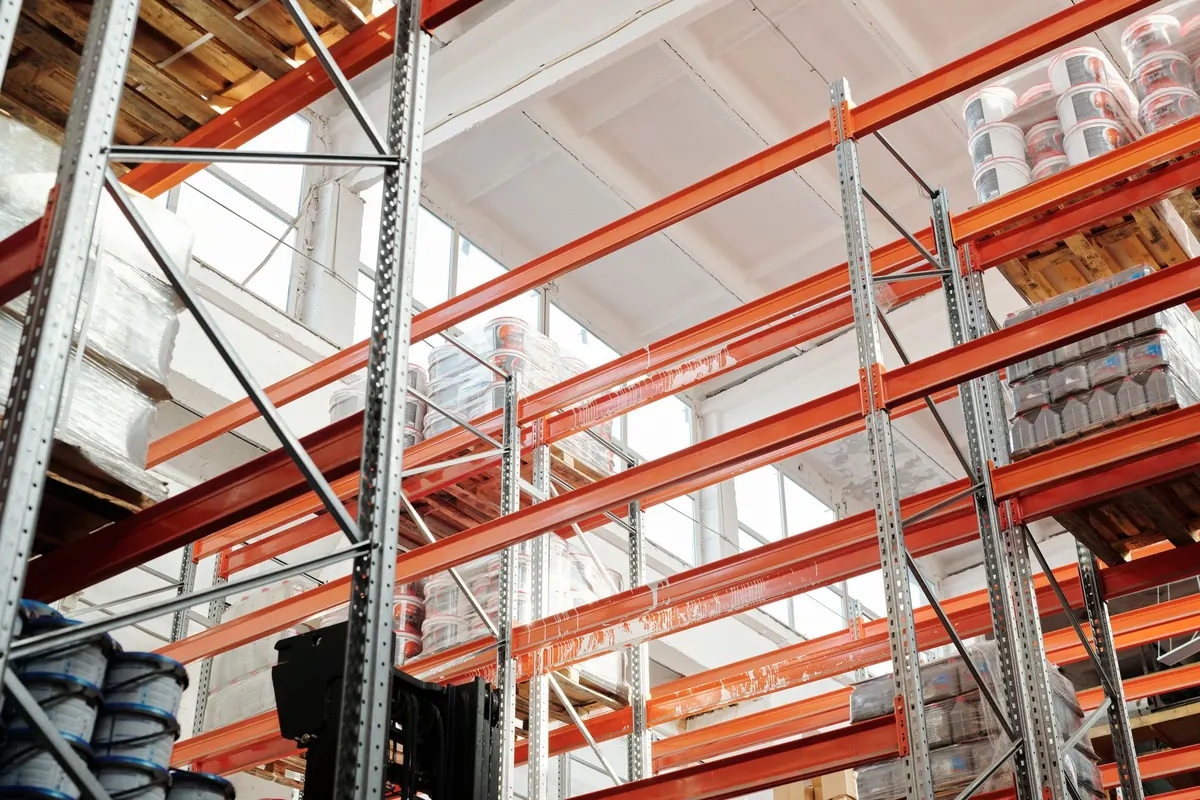
Photo: Tiger Lily / Pexels